
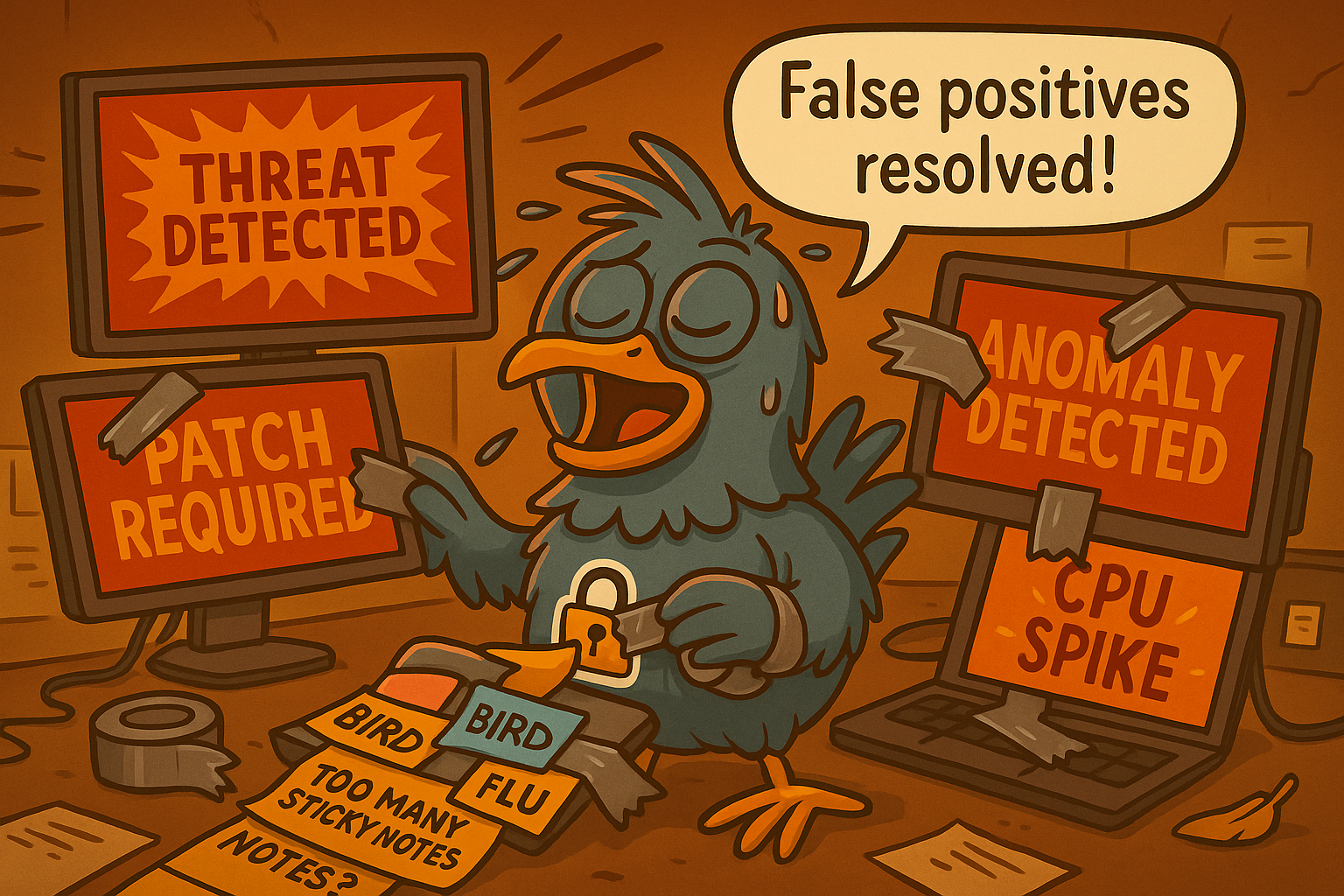
System & Information Integrity (SI): How Fast Detection Saves Contracts, Cash, and Credibility
The Wake-Up Call
At 2:14 a.m., the plant manager of a small machining company in the Defense Industrial Base got a text from his IT guy: “We’ve got encrypted files on the engineering server. I think it’s ransomware.”
The company had fewer than 50 employees. Their cybersecurity “program” was mostly antivirus, a firewall from 2016, and a once-a-year penetration test. They had CMMC on their radar but hadn’t implemented the System & Information Integrity controls yet – things like continuous monitoring, automated alerting, malicious code protection, and rapid vulnerability remediation.
They caught the attack too late.
By morning, production was down. By noon, three deliveries to a major defense prime were missed, penalties kicked in, and the contracting officer filed a notification for potential compromise of Controlled Unclassified Information (CUI). Insurance covered some of the damage… but not the reputational hit. The prime quietly began looking for another supplier.
This wasn’t a sophisticated, nation-state attack.
It was a common exploit of an unpatched software vulnerability that a basic SI program would have detected and blocked right away.
System & Information Integrity isn’t glamorous… but it’s the difference between catching smoke early vs. responding after the house is already on fire.
In the DIB, early detection isn’t just security – it’s contract survival.
What Meeting the Objectives Might Look Like
At CMMC Level 2, auditors want to see evidence that you can detect, identify, report, and correct problems in your systems quickly and consistently. In practical terms, that usually looks like:
- Antivirus / EDR deployed everywhere, kept up to date, with alerts monitored.
- Logging turned on across workstations, servers, and critical applications.
- Someone reviewing alerts, either internally or via an MSP/MDR provider.
- Malicious code protection (AV/EDR) running on all endpoints.
- Automated vulnerability scanning on a defined schedule – monthly or quarterly.
- Documented patching process with proof of timely updates.
- Alerts for unauthorized changes, like suspicious files or registry modifications.
- Email protections (anti-phishing, malware scanning).
- Incident reporting channels – employees know who to notify and how.
In short: Can you catch a threat early? Can you remove it? Do you have the logs and tools to prove it? If yes, you’re aligned with the intent of SI.
Why It Matters: You Can’t Ignore SI
System & Information Integrity is one of the control families with the strongest direct link to business continuity. Here’s why it matters more than most SMB leaders realize:
- It prevents catastrophic downtime. Most small manufacturers can’t be offline for a full day… let alone a week. SI is about early warning. The earlier you detect an issue, the cheaper and easier it is to contain.
- It protects your ability to hold DoD contracts. Failure to detect or report a compromise of CUI can result in: mandatory disclosures, contract pauses, loss of competitive standing, and exclusion from future opportunities.
- It drastically lowers recovery costs. Responding early can mean the difference between deleting a malicious file and paying for forensics, breach notification, ransomware recovery, and system rebuilds.
- It strengthens trust with primes. Primes are increasingly asking subcontractors “How do you detect threats? Who watches your alerts?” Your answer says a lot about your reliability.
- It reduces your cyber insurance premiums. Underwriters love to see active monitoring, vulnerability management, and documented incident response.
In short: SI is the single most “ROI-rich” control family in CMMC – because it directly protects uptime, money, and trust.
Where Most Companies Slip Up
If SI were easy, every SMB would already be nailing it. But most fall into predictable traps:
- “We installed antivirus; we’re good.” AV alone is not enough. Attackers bypass signature-based tools constantly. Auditors see AV-only shops as high risk.
- Alerts exist… but nobody reviews them. Tools generate warnings. Humans must notice and act on them. Unreviewed alerts = non-compliance.
- Patching is ad hoc “when we remember.” CMMC requires documented timelines. Unpatched systems are the #1 cause of SMB breaches.
- No vulnerability scans (or monthly scans with no remediation). Scanning is required. Fixing findings is required. Scanners create “to-do lists,” not completion reports.
- Logging is turned on… but not centralized. Logs sitting on individual machines don’t help you detect patterns or prove compliance.
- Users don’t know how to report something suspicious. You need a reporting channel and documented evidence that people use it.
- No baseline for system integrity. If you don’t know what “normal” looks like, you can’t detect “abnormal.”
How to Start Strong (and Grow Stronger)
Here’s a two-tiered approach: a “Starting Point” for compliance, and then the NEX Level enhancements to build real resilience and business advantage.
A Starting Point: The Minimum to Meet Compliance
These are practical actions you can implement relatively quickly to satisfy the assessment objectives for SI with minimal complexity:
- Standardize your malicious code protection. Deploy AV/EDR on every workstation and server. Ensure automatic updates are enabled.
- Turn on logging everywhere. This includes: workstations, servers, firewalls, Office 365/Google Workspace, and critical applications.
- Set up automated vulnerability scans. They should be monthly or quarterly with the findings documented and remediation steps tracked.
- Define a patching schedule. We recommend 14–30 days for critical patches and 30–90 days for others. Always maintain proof: screenshots, change tickets, and logs.
- Establish an alert response workflow. Who gets notified? What do they do next? How do you document the resolution?
By ticking off these nine steps, you can demonstrate to an assessor (or yourself) that your SI controls are actively managed and aligned with CMMC requirements.
The NEX Level: Turning Compliance into Competitive Advantage
Once you’ve covered the basics, here are advanced practices you can turn into competitive advantage… not just compliance.
- Deploy a managed detection and response (MDR) solution. Real-time monitoring + human analysts watching your alerts 24/7. This is the single biggest risk reducer in the entire SI family.
- Implement centralized log management or SIEM. A SIEM isn’t required for most SMBs—but it is a game changer. It turns scattered logs into actionable alerts.
- Use configuration monitoring tools. Detect unauthorized changes to: system files, registry keys, user accounts, and security settings.
- Integrate SI with incident response. If your tools detect a threat, your IR plan should outline what happens next… step by step.
- Prioritize patching based on real threat intelligence. Critical vulnerabilities exploited in the wild get fast-tracked.
- Add email threat protection. Advanced phishing defense reduces the #1 entry point for attackers.
- Quarterly SI health checks. Validate alert coverage, logging gaps, patch compliance, scan results, trend reports.
These enhancements raise your maturity level and creates a culture of system and information integrity… and that culture shows in assessments, customer reviews, and operational uptime.
The Oil Change Lesson
A small DIB manufacturer had an old shop truck everyone used but no one maintained. One day, it started making a faint ticking noise. The production manager said, “Probably needs an oil change,” and everyone nodded but the truck still ran, so they kept working.
Weeks passed. The ticking got louder. The truck still ran… until it didn’t.
Right before an important delivery, the engine seized pulling out of the lot. A simple $60 oil change had become a multi-thousand-dollar repair and the company missed a critical shipment to a prime.
That’s exactly how System & Information Integrity works.
A small alert.
A patch that hasn’t been applied.
A suspicious login someone means to “look at later.”
Everything seems fine, until suddenly it isn’t.
Takeaway: SI is the routine maintenance that prevents catastrophic failure. Ignore the small warnings, and the cost isn’t just the fix – it’s the contract, the schedule, and your credibility.
Helpful Resources
Here are some resources to help you dig deeper and operationalize the SI control family…
Framework & Standards
- DoD CMMC Resources – Official documentation from the DoD covering CMMC Model v2.0.
- NIST SP 800-171 Rev. 2 – Full text from NIST, the source standard that CMMC maps to.
- CISA Known Exploited Vulnerabilities (KEV) Catalog – A real-time list of actively exploited vulnerabilities. Use this to prioritize patching.
Free Resources
- OpenVAS (Greenbone OpenVAS Community Edition) – Free vulnerability scanning tool for smaller shops.
- CISA “Logging Made Simple” Guide – Step-by-step logging configuration for SMBs.
Paid Resources
- CrowdStrike Falcon – A cloud-native endpoint protection platform combining next-gen antivirus, endpoint detection & response (EDR), and continuous threat hunting. It gives SMBs real-time visibility and automated response across workstations and servers, helping stop malware or stealthy intruders before they disrupt operations.
- CYYNC – A centralized system to plan and track evidence collection, conduct and document self-assessments, manage POA&M items through remediation, and maintain a continuous audit trail.
- Rapid7 InsightVM – A vulnerability-management solution that continuously scans your network and uses a “Real Risk” scoring model to prioritize which vulnerabilities matter most based on exploitability and business impact. It helps SMBs focus limited IT resources on the highest-risk exposures first, reducing attack surface without drowning in noise.
- Sumo Logic SIEM – A cloud-native SIEM and log-analytics platform that aggregates logs from endpoints, servers, applications, and networks into a unified view, then uses machine-learning analytics and built-in threat intelligence to catch suspicious activity. For SMBs, it offers enterprise-grade visibility and incident detection at a lower operational cost, helping small IT teams stay on top of security events without hiring full-time SOC staff.
CyberNEX Resources
- CMMC Decoded: System & Information Integrity Reference Sheet – A concise one-page guide for defense contractors that outlines the SI control family, explains why it matters, highlights examples of evidence auditors might expect, provides quick-win actions to get started, and includes links to available resources.
- CyberNEX Blog Archive – Explore all 14 CMMC control families with in-depth explainers, practical recommendations, and actionable insights tailored to defense contractors.
Take the NEXt Step
If you’re an SMB in the Defense Industrial Base, System & Information Integrity is one of the most impactful places to mature your cybersecurity posture and one of the areas auditors examine most closely. When you get SI right, you’re not just satisfying a CMMC requirement; you’re catching problems early, reducing downtime, protecting your contracts, and proving to the DoD that you take threats seriously.
Whether you’re preparing for a Level 2 assessment or building a more resilient, threat-aware environment, CyberNEX helps you turn SI from a reactive scramble into a disciplined, proactive capability. We break down complex requirements into simple operational habits that your team can execute confidently. We’ve helped dozens of SMBs improve detection, response, and system health—and we know how to help you build momentum quickly and sustainably.
👉 Get clarity on your SI gaps and a clear plan forward. Book a Discovery Session with our experts today.
Not ready to chat yet?
→ Learn more about our CMMC Readiness Assessments
→ Subscribe to NEX Level Newsletter
FAQs
1. What does the CMMC SI family actually require?
The System & Information Integrity (SI) controls require you to monitor your systems for issues, detect threats early, and take action quickly. This includes identifying malware, unauthorized changes, vulnerabilities, and suspicious activity using tools like antivirus/EDR, vulnerability scanners, and logging. Just as important, you must have documented procedures that show how you review alerts, respond to incidents, and correct problems so auditors can see a consistent, repeatable process.
2. Does CMMC Level 2 require a SIEM?
No. CMMC Level 2 does not require a SIEM. A SIEM can make log collection and correlation easier, but the requirement is to detect and respond to threats, not to own a specific tool. Many SMBs meet SI requirements using EDR/MDR solutions, built-in logging from cloud and endpoint platforms, and a clear process for reviewing and responding to alerts.
3. How often do we need to run vulnerability scans?
CMMC doesn’t mandate an exact scan frequency, but most SMBs adopt a monthly or quarterly cadence depending on system complexity and risk. What matters most is that you define the schedule in your policy, follow it consistently, and show evidence that you’re fixing the vulnerabilities your scanner finds. Auditors care as much about your process as the scan results themselves.
4. How fast do we need to apply patches?
Patch timelines depend on your internal policy, but many organizations follow a practical standard: 14–30 days for high or critical vulnerabilities, and 30–90 days for medium or low-risk issues. The key is consistency – auditors want to see that you classify patches, apply them within your stated timeframes, and maintain documentation that proves the work was completed.
5. Do we need malware scanning on servers?
Yes. Any system that stores, processes, or transmits CUI must have malicious code protection in place. This usually means EDR or AV running on endpoint servers, along with monitoring and alerting to ensure threats don’t go unnoticed. Even servers that “don’t change often” still need protection, because attackers target them precisely for that reason.

